
How AI Tracks Social Media Content for Print-on-Demand

AI tools like Print2Social make managing social media for print-on-demand businesses easier by automating content creation, scheduling, and performance tracking. Here’s how it works:
- Content Creation: For each product, AI generates 12 images (e.g., mockups) and 8 videos, ready for social media.
- Scheduling: Posts are automatically scheduled for peak engagement times, saving you time.
- Performance Tracking: Tracks key metrics like engagement rate, reach, impressions, click-through rate, and conversions in real time.
- Insights: Provides actionable data to refine your strategy and improve results.
Metricool Tutorial - Try This Social Media Manager AI Tool in …
Section titled “Metricool Tutorial - Try This Social Media Manager AI Tool in …”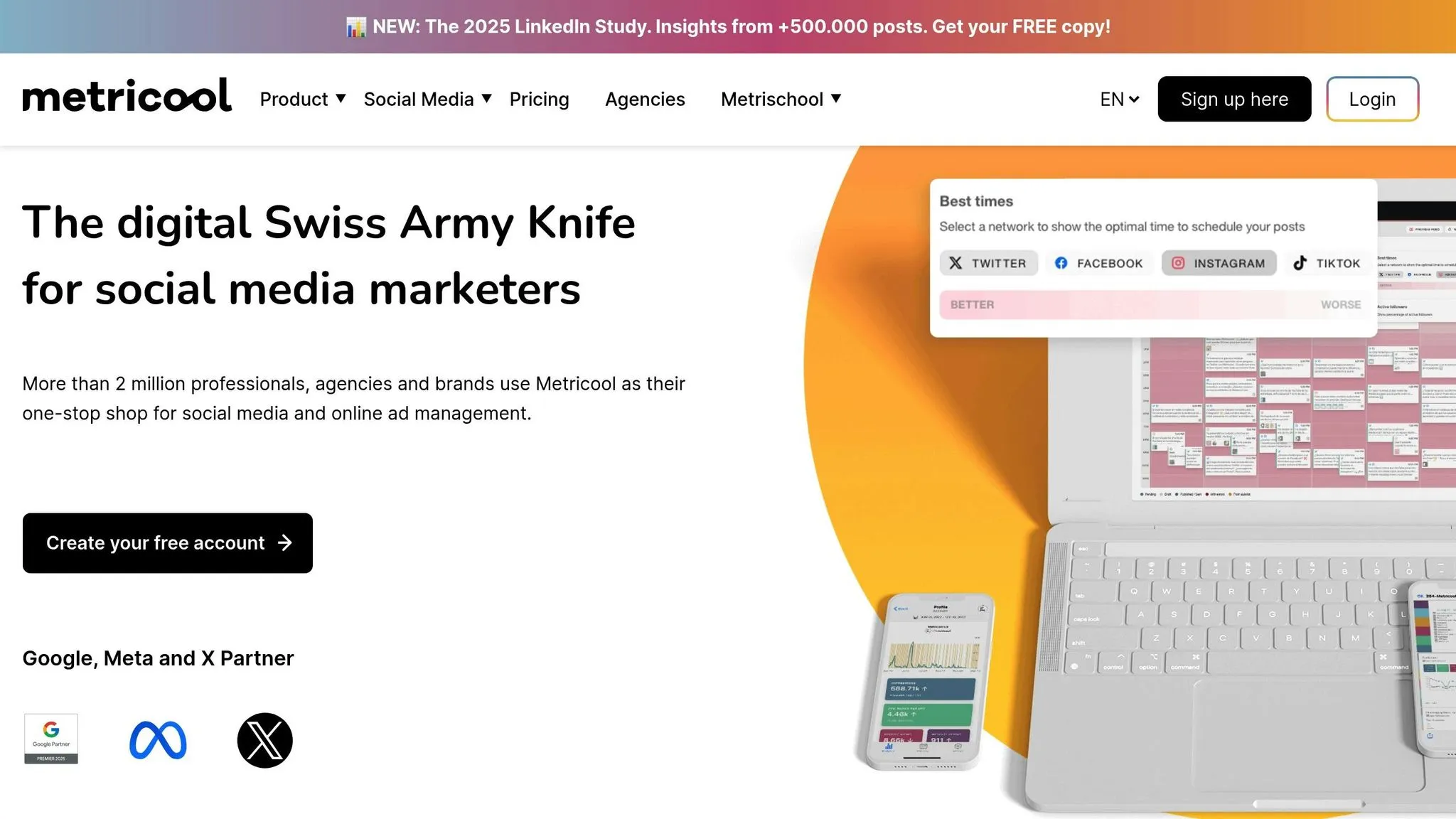
Understanding AI Social Media Tracking
Section titled “Understanding AI Social Media Tracking”AI tools like Print2Social streamline social media marketing for print-on-demand businesses by handling tasks like content creation, scheduling, and distribution automatically. Once you link your store and social accounts, Print2Social generates and schedules posts for you. It also tracks performance metrics - such as likes, comments, shares, reach, and engagement rate - in real time. This setup allows you to focus on strategy while machine learning works to refine your social media efforts continuously.
Let’s take a closer look at the specific metrics AI tracks to gauge social media performance.
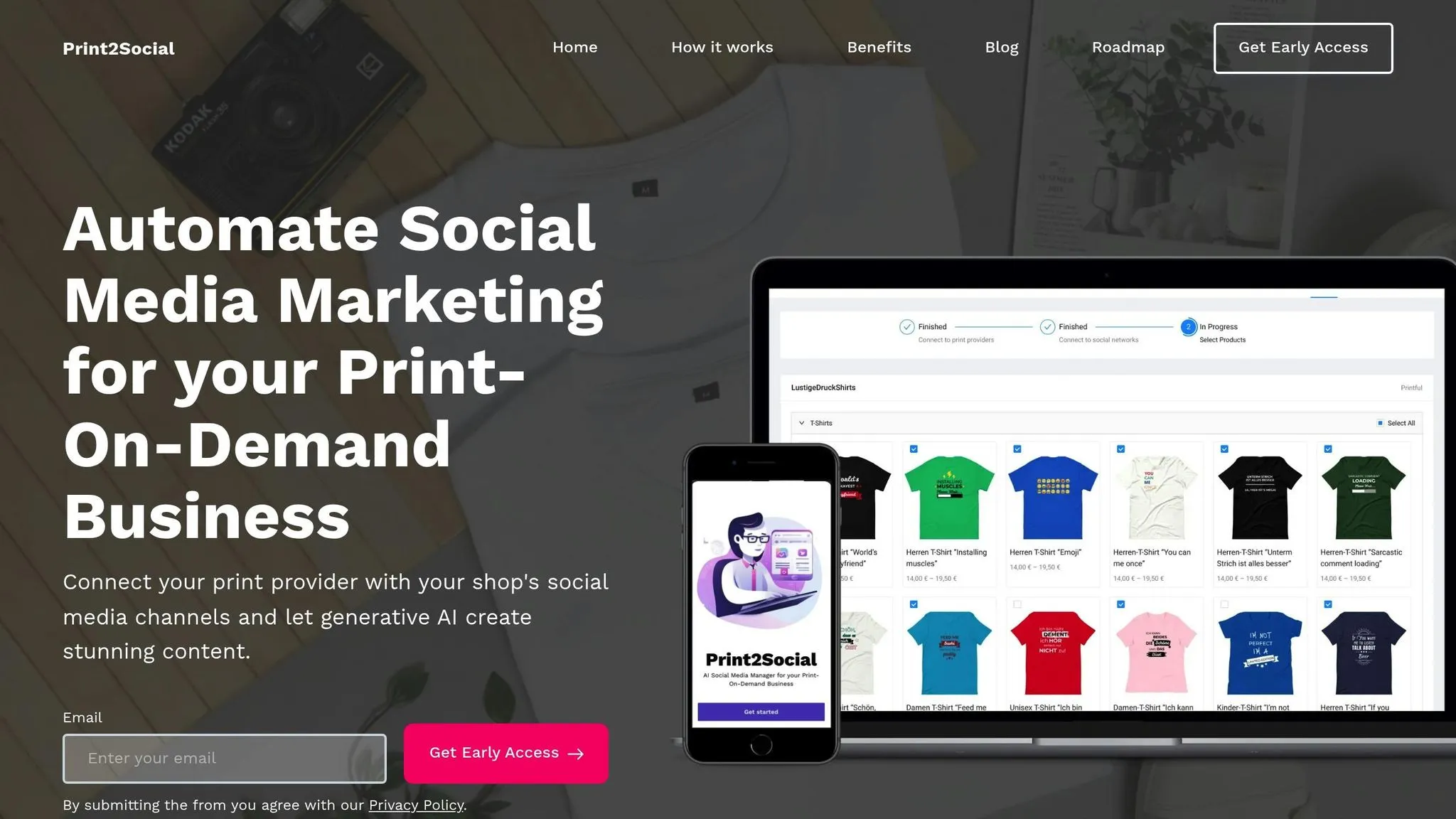
Set up Print2Social in just three steps to streamline your content creation and scheduling process.
Store Integration Steps
Section titled “Store Integration Steps”- Connect your print-on-demand provider account to sync your product catalog.
- Link your social media accounts.
- Choose specific products or categories you want to promote.
AI Content Generation
Section titled “AI Content Generation”Print2Social creates 12 images (including lifestyle photos and detailed mockups) and 8 short videos for each product. These are then combined into ready-to-review social media posts.
Review & Scheduling
Section titled “Review & Scheduling”- Use the content calendar to preview and edit posts.
- Customize posting times and frequency to match your strategy.
- Compare different content options and pick the best versions.
sbb-itb-8547c32
Section titled “sbb-itb-8547c32”Social Media Success Metrics
Section titled “Social Media Success Metrics”Once your posts are scheduled, it’s time to monitor key performance indicators (KPIs) to fine-tune your strategy and boost results.
Key Metrics to Watch
Section titled “Key Metrics to Watch”Keep an eye on these essential metrics to understand how your content is performing:
- Engagement rate: The ratio of interactions (likes, comments, shares) to impressions.
- Reach: The number of unique users who viewed your post.
- Impressions: The total number of times your post was viewed.
- Click-through rate (CTR): The percentage of clicks compared to impressions.
- Conversion rate: The percentage of users who completed a desired action (like making a purchase or signing up) after clicking.
- Follower growth: The net increase in followers over a specific period.
Using Your Data Dashboard
Section titled “Using Your Data Dashboard”Your dashboard is a powerful tool for tracking and analyzing performance. Here’s how to make the most of it:
- Monitor scheduled posts alongside live metrics to see how your content is performing in real time.
- Filter results by platform, date range, or post type to focus on specific campaigns or timeframes.
- Compare campaign outcomes to identify trends and determine what works best.
- Export reports for deeper analysis and to share insights with your team.
Making Data-Driven Decisions
Section titled “Making Data-Driven Decisions”Use performance metrics and AI insights to fine-tune your content and streamline scheduling processes.
Refining Your Content Strategy
Section titled “Refining Your Content Strategy”Evaluate visuals, posting times, and content formats to identify what resonates most with your audience. This helps you focus on the formats and themes that deliver the best results.
Saving Time with Automated Scheduling
Section titled “Saving Time with Automated Scheduling”Print2Social takes care of scheduling posts during high-engagement periods, ensuring consistent output. You can review AI-generated post variations, sync your calendar with optimal engagement windows, and track performance in real time.
Conclusion
Section titled “Conclusion”AI-powered social media tracking has transformed how print-on-demand businesses handle their online presence and marketing strategies.
By linking your print-on-demand store with your social media accounts, you can automate tasks like content creation, scheduling, and maintaining a consistent feed. This gives you more time to focus on strategic growth.
Use AI tools to gain real-time insights into engagement, reach, and conversions. These insights help fine-tune your posting schedule, improve your content, and scale your print-on-demand business effectively.